Table of Contents
Gone are the days when we used to extract text from images manually. We would take an image of the important quote, invoice, document, or page as a quick way to use them later. Extracting text from such pictures used to be a real pain. Now, with the advent of advanced technologies like OCR, things have become a lot easier and quicker.
You can extract text from images in a fraction of a second. Tesseract is an open-source OCR engine used widely by image-to-text converters. It serves as the backbone to turn images into editable text files that you can share with anyone online.
However, not every OCR tool you see delivers quality performance. It may be challenging to choose the right Tesseract-based tool that does exactly what it claims. Keeping this in mind, I have made a list of three tools that are worth trying. Let’s explore them in detail below.
Top 3 Tesseract-Based OCR Tools
I spent a considerable amount of time testing multiple tools and ultimately selected the following three. I found them to be accurate and consistent during my testing. All of them offer free access without requiring their users to go through account registration or sign-up procedures.
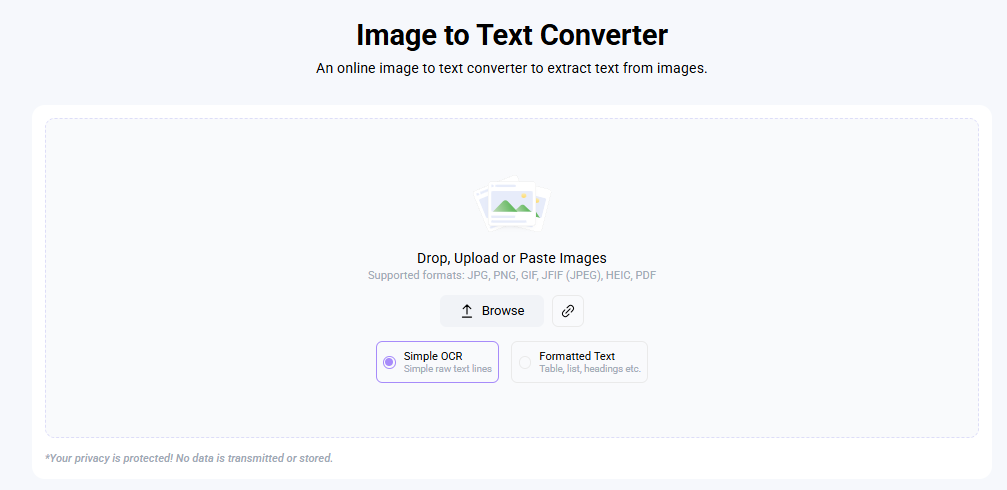
Imagetotext.info is a free online tool designed for fast and accurate text extraction. It uses Tesseract OCR to recognize characters from an image and turns them into plain text. That’s the simple process: upload an image, wait a few seconds, and get the text you can copy or download.
It supports the most common image formats, including but not limited to JPG, PNG, JPEG, HEIC and PDF. Furthermore, it is able to detect text in several languages, which makes it quite useful for users dealing with multilingual content. You don’t need to create an account or install anything.
Imagetotext.info works best with clean, printed text. If the image is clear, with good contrast and lighting, then the results are usually very accurate. However, if the text is blurry, tilted, or handwritten, you may need to review the resulting text to fix any errors that appear during extraction.
Overall, this is a reliable platform for quick text extraction from images. It really works for students, writers, and professionals who have to get information from scanned documents or photos.
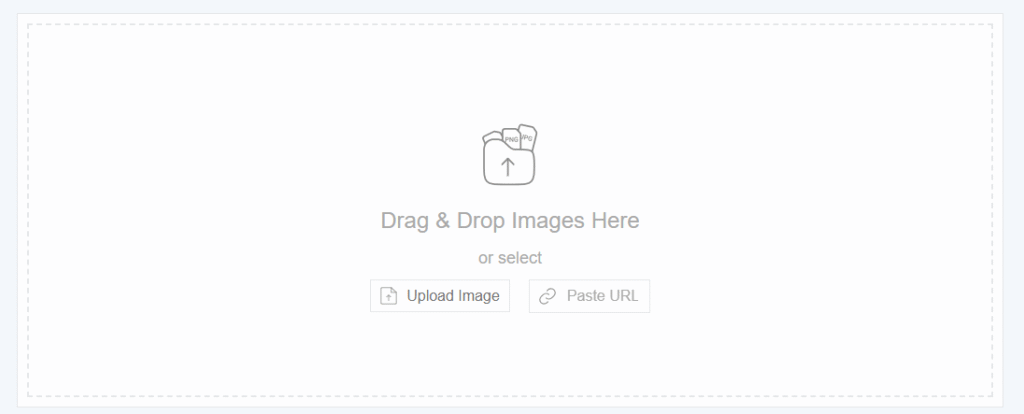
Editpad has a simple image-to-text tool that is powered by OCR technology. It allows multiple image uploading options: pasting image URL, dragging and dropping a file, and uploading directly from the device’s local storage. In a matter of seconds, it scans an image and extracts visible text instantly.
The best thing about this tool is its speed. It works fast, even on large files, and gives readable output. The interface is neat and easy to use. You can copy the extracted text directly or download it in the form of a file.
The tool by Editpad supports multiple file types like JPEG, PNG, BMP, and SVG. You do not need to register for basic use, but there are some restrictions related to file size and usage in the free version. For heavy use, it does have a paid option that allows larger files and more uploads per day.
The quality of results directly depends on how clear your image is. Poor OCR accuracy can come from an image that has shadows or low contrast. Usually, straightening up the photo or re-scanning the page improves results. Editpad’s tool works best for digital notes, screenshots, and scanned text with standard fonts.
It’s a practical choice for anyone who wants a quick and smooth way to copy text from an image.
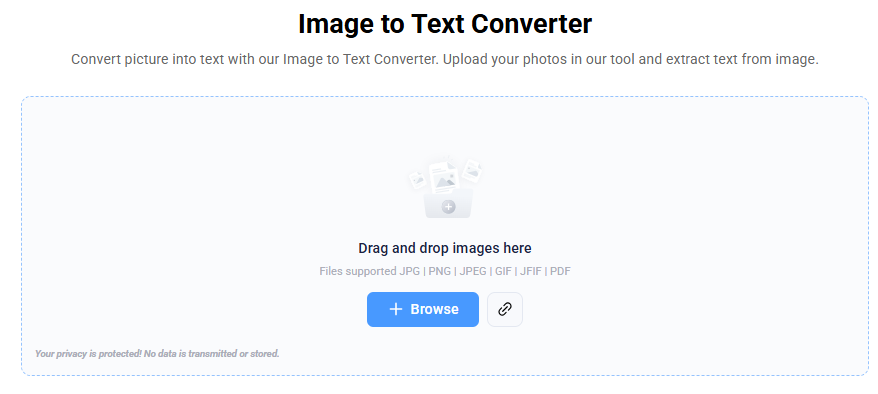
Imagetotext.io is another online OCR utility powered by Tesseract. It’s widely used by users who have to deal with a big number of images because this platform allows uploading several images simultaneously, which is very convenient for batch conversion.
It supports all major image formats and is able to recognize text in different languages. It also claims to use extra AI techniques in addition to Tesseract for better accuracy. Like most OCR platforms, it works best with printed text. Handwriting or stylized fonts may not convert perfectly.
One advantage of Imagetotext.io is that it offers free and premium plans. The free plan covers the regular user’s needs, which generally involve a few conversions daily. The paid subscription is ideal for professionals or businesses since they process many files at once.
With documents containing tables or columns, the layouts don’t always stay intact, but the text extracted is accurate and editable. If you’re looking for a tool that offers dependable results, you can consider this tool.
Wrapping Up
OCR technology has made it way easier to extract text from images, and Tesseract remains one of the best engines behind these tools. Imagetotext.info is great for free, quick conversions. Editpad’s image to text converter is simple and user-friendly; which makes it perfect for occasional use. Imagetotext.io stands out for its batch processing feature, suitable for users with regular OCR work.
Whichever tool you choose, remember that image quality counts. Clear, high-resolution images yield the best results. If possible, proofread the text after extraction, especially if the original image contains unusual fonts or low contrast.
These online tools save you hours of manual typing. Whether you’re collecting notes, digitizing old documents, or repurposing printed material, OCR makes the process smooth and efficient.